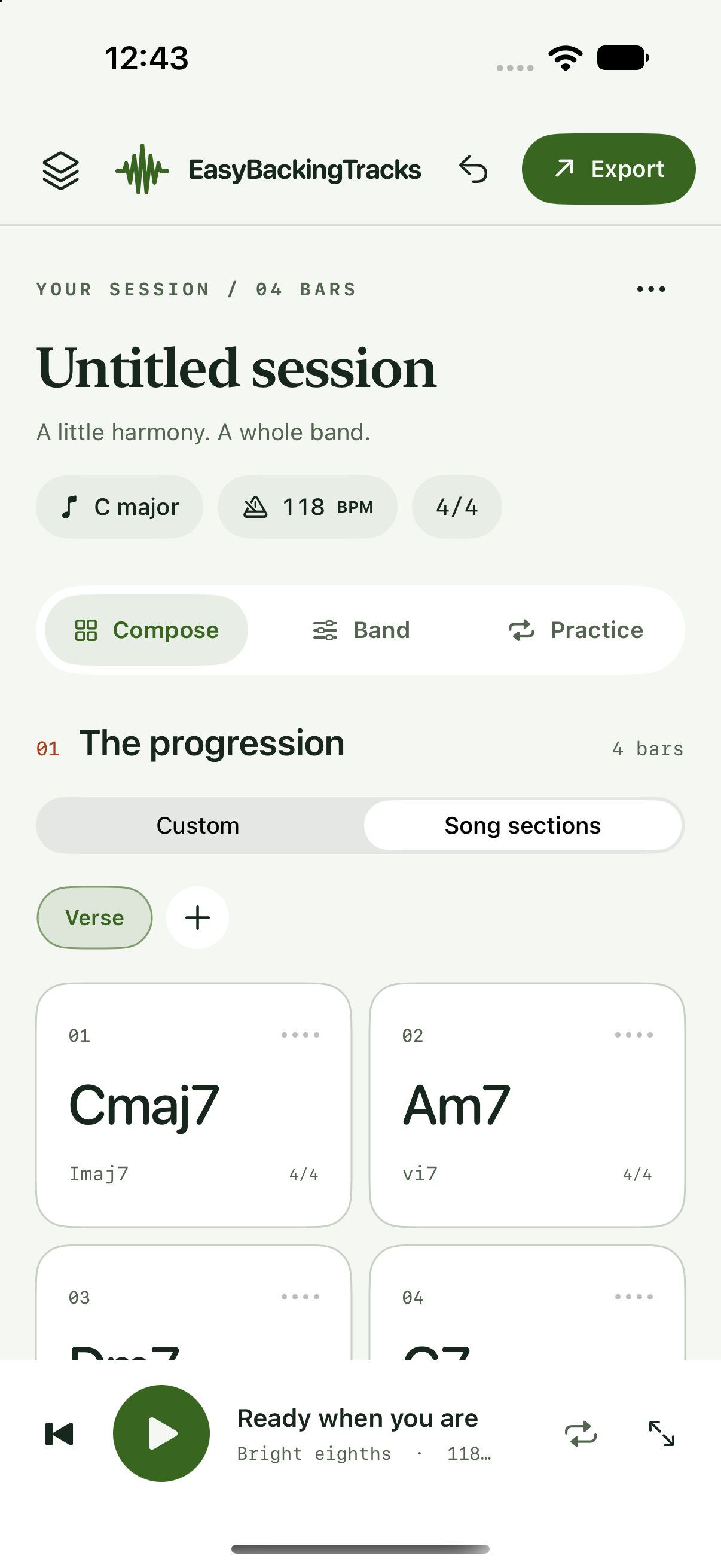
01 / START SOMETHING
A song begins here.
Build sections, choose a key and set the tempo. Explore styles from pop and funk to swing, bossa nova and beyond.
View screenshot ↗YOUR POCKET BACKING BAND / COMING SOON
 Easy Backing Tracks
A few chords. A groove you love. A band ready when you are. Create backing tracks, practice and explore musical ideas on your iPhone or iPad.
Coming to the App Store · iPhone & iPad · iOS 17 or later
FROM A FEW CHORDS TO YOUR NEXT IDEA
Start with a template or write your own progression. Shape the arrangement, press play and let the band follow your lead.
01 / START SOMETHING
Build sections, choose a key and set the tempo. Explore styles from pop and funk to swing, bossa nova and beyond.
View screenshot ↗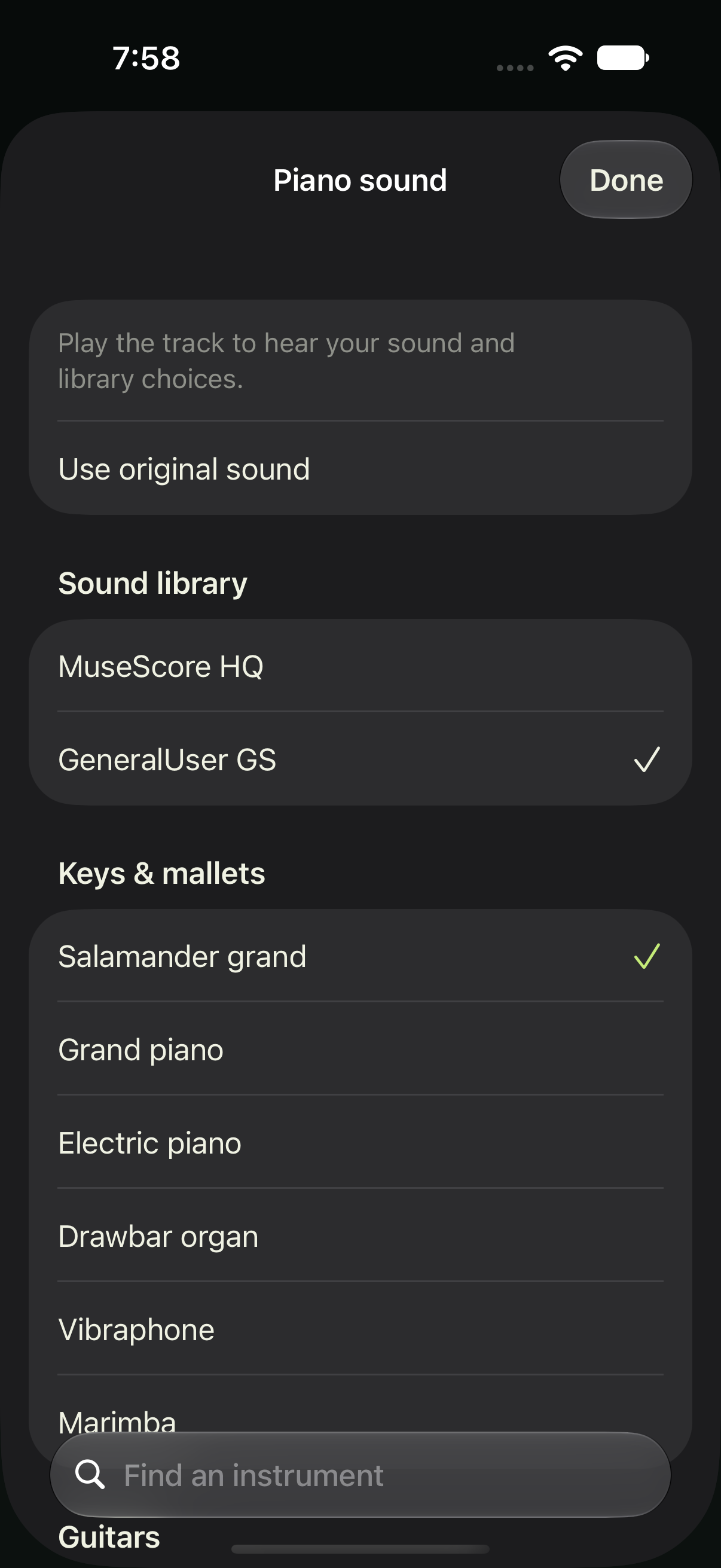
02 / MAKE IT YOURS
After unlocking, explore 27 sounds for your band. Choose instruments and sound libraries, then save your favorites with each song.
View screenshot ↗03 / KEEP IT MOVING
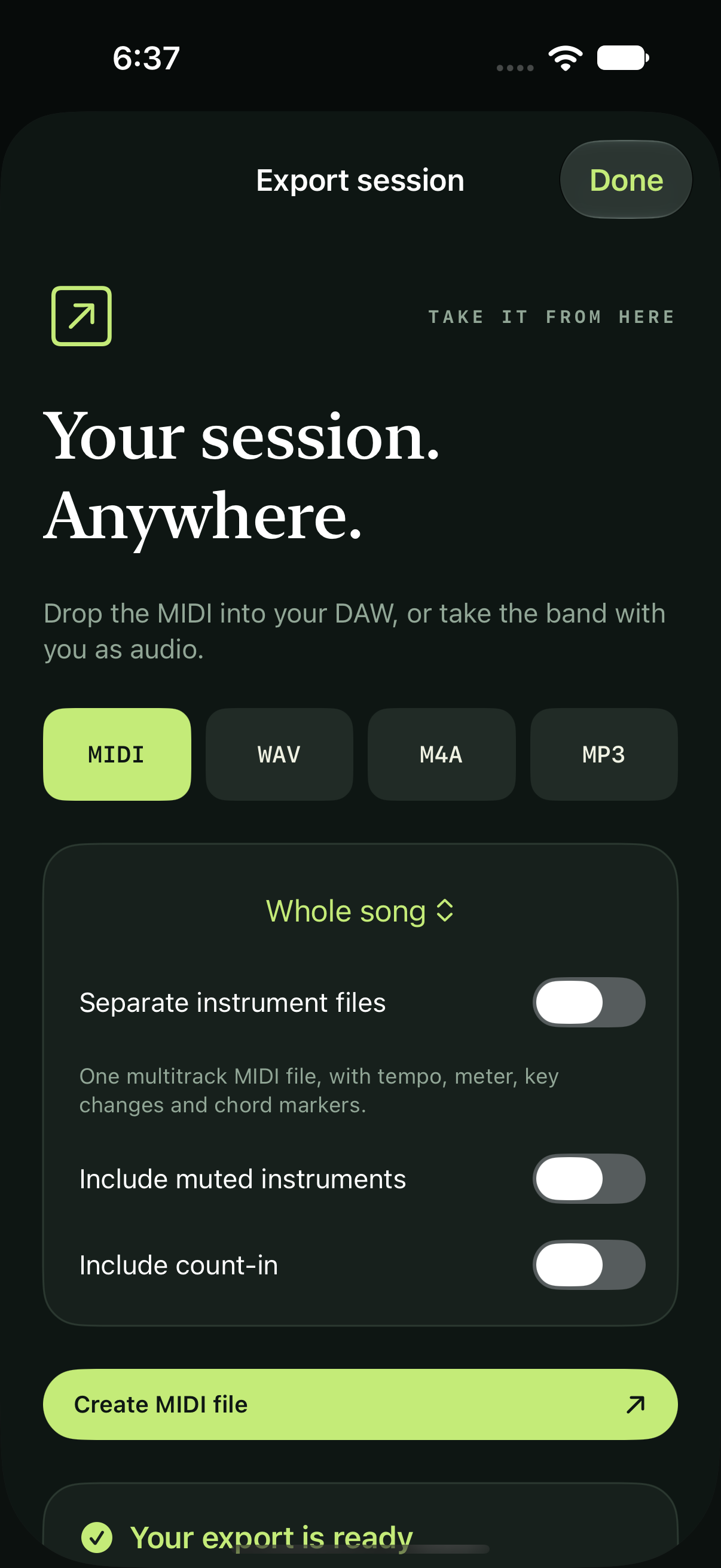
After unlocking, export MIDI, WAV, M4A or MP3. Take separate instrument stems into your next recording session.
View screenshot ↗A LITTLE INSPIRATION, ON REPEAT
A half-minute tour with actual app screens.
Soundtrack generated in Easy Backing Tracks.
Your chords. A whole band. Meet Easy Backing Tracks, an offline studio for iPhone and iPad. Build a progression, pick a style and hear your song come together. Choose your instruments and explore included sound libraries. Export MIDI, WAV, M4A or MP3, with separate instrument stems. The full unlock includes 61 styles and 27 sounds. Try five styles and three saved sessions for seven days. Unlock everything with one purchase. No subscription or automatic charge. Coming soon.
Music: an instrumental Pocket pop demo generated in the app. No speech.
YOUR MUSIC. YOUR PACE.
For the daily practice, the first draft and the idea you want to hear out loud.
Mix piano, guitar, bass, drums, strings and pad. Adjust volume and pan, mute or solo parts, and lock variations you want to keep. The full unlock includes 27 selectable sounds.
Loop a practice range. Add a count-in or metronome. Step through tempos and keys, and follow the current chord on a full-screen chart.
Compose, generate and play backing tracks on your device. The included sound libraries work offline. Purchases and iCloud Drive transfers need a connection.
Your sessions save locally as you work. After purchase, link a Files or iCloud Drive folder to move saved songs between devices. Use Sync now to bring in newer revisions.
START WITH A LITTLE ROOM TO PLAY
The limited trial includes five styles, three saved sessions, custom chords and practice and mixer controls. Preview every style before you choose.
Unlock all 61 styles, unlimited sessions, instrument selection, audio and MIDI exports, stems and folder sync. Purchase whenever you’re ready. There is no automatic charge.
FULL APP / ONE-TIME PURCHASE
US$19.99
No subscription. No recurring payment.
Planned US launch price. Apple shows the current price in your local currency before you confirm a purchase.
How the trial works ↗After seven days, creating, editing and playback require the one-time purchase. Your saved song documents remain available to read and back up. You can purchase before the trial ends.
MIDI, WAV, M4A, MP3 and instrument stem exports are included with the full unlock, along with instrument selection and linked-folder sync.
Easy Backing Tracks creates new arrangements from your chords. MIDI Player Simple plays and helps you practice with existing MIDI files.
EASY BACKING TRACKS
Coming soon to iPhone and iPad.
Visit app support ↗